Learn more about RDI Technologies’s latest software update.

Boosting Workflow Efficiency and Analysis Capabilities

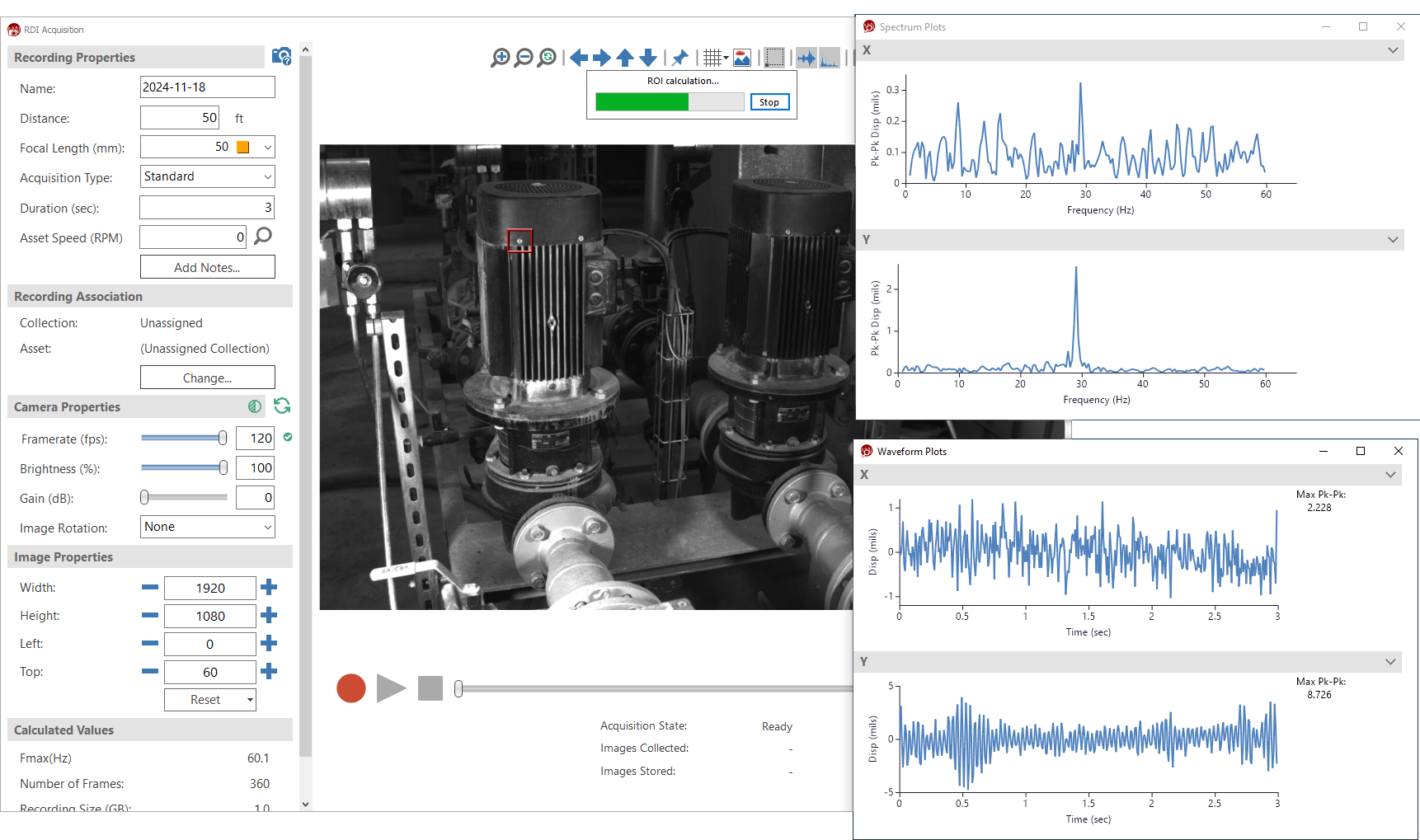
Motion Amplification® technology has revolutionized the way we analyze and visualize motion data. With each software update, we apply user feedback and recommendations to enhance performance, improve usability, and implement cutting-edge features. The 3.9 software release takes this innovation to new heights, empowering users to streamline their workflows and unlock unprecedented insights. This release introduces a suite of powerful features and improvements designed to optimize user experience and accelerate data analysis. With efficiencies ranging from 25% reduction in map computation time to 96% savings in analysis time, 3.9 equips users with the resources they need to extract maximum value from their vibration monitoring data. 3.9 introduces a range of enhancements to boost analysis and streamline daily tasks. Notable improvements encompass data value display for ROIs, auto-refresh ROIs with live data and waveform updates, calibrated Motion Map videos, object highlighting for targeted analysis, object-specific Motion Maps, and a filter wizard for peak frequency analysis.
Key Features of the 3.9 Release:
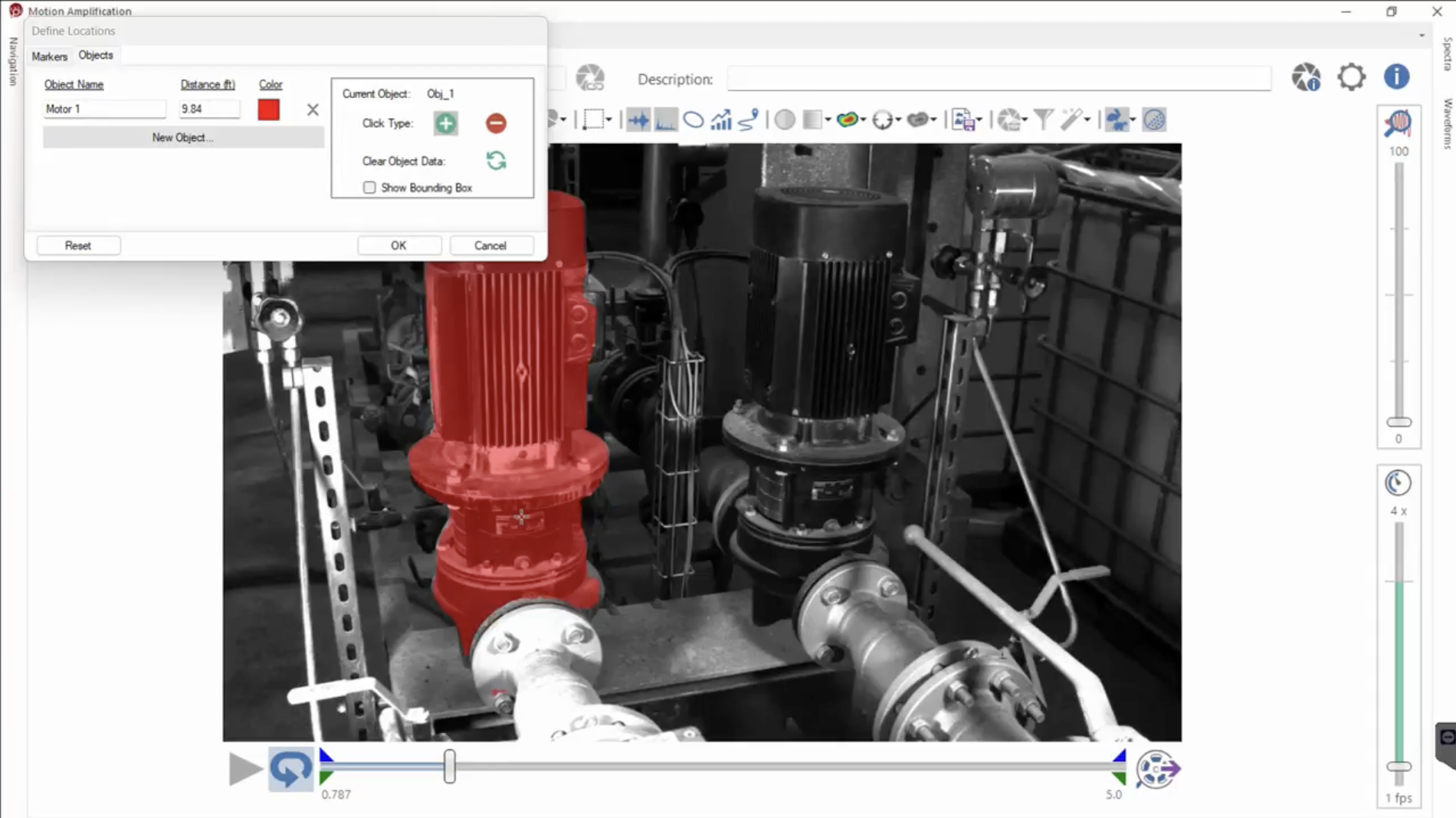
Object Identification
- Empowers the user to easily and quickly identify objects in the recording.
- One click to unlock advanced analysis and filtering capabilities by easily defining objects withing the recording field of view.
- Allows for simple visualization of frequency spectra related to any object.
- Users can easily create objects with a simple click and choose a specific distance.
Calibrated Motion Map (CMM)
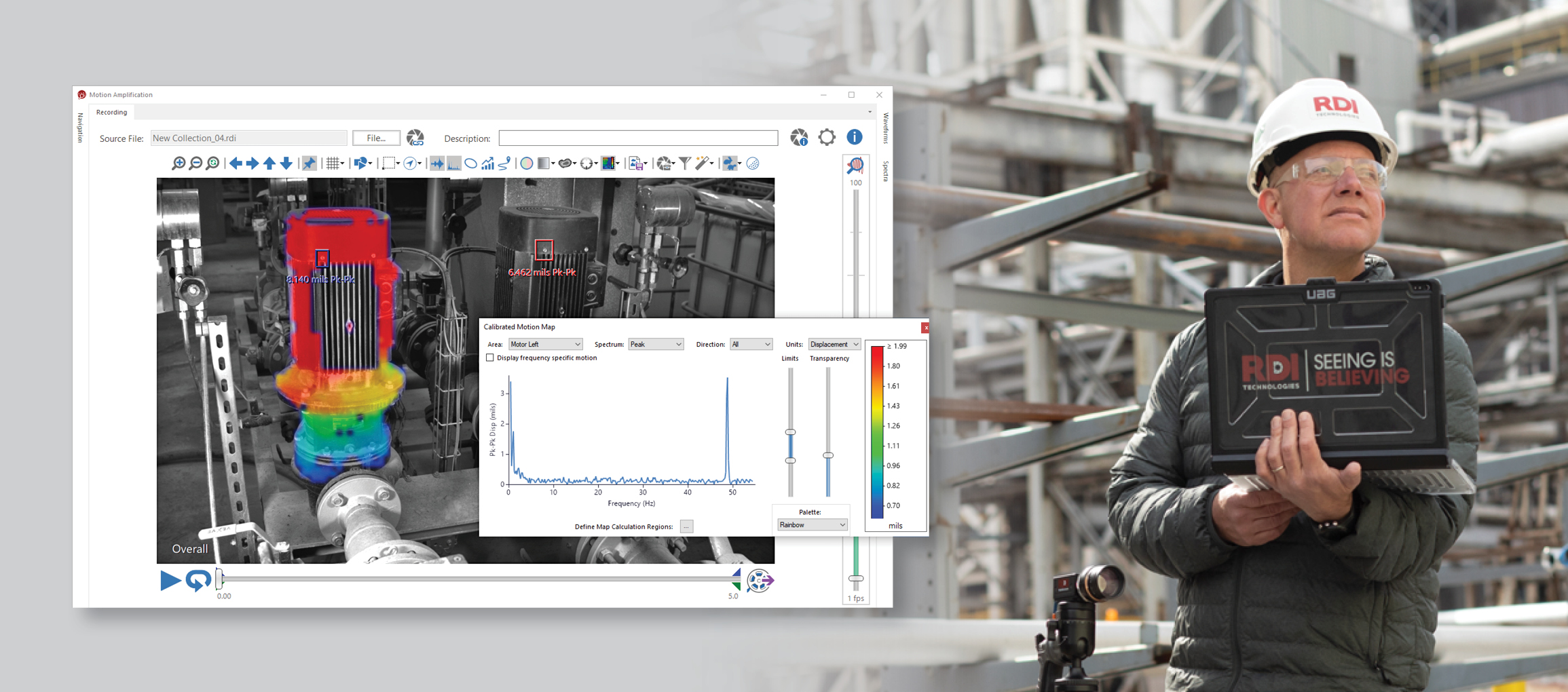
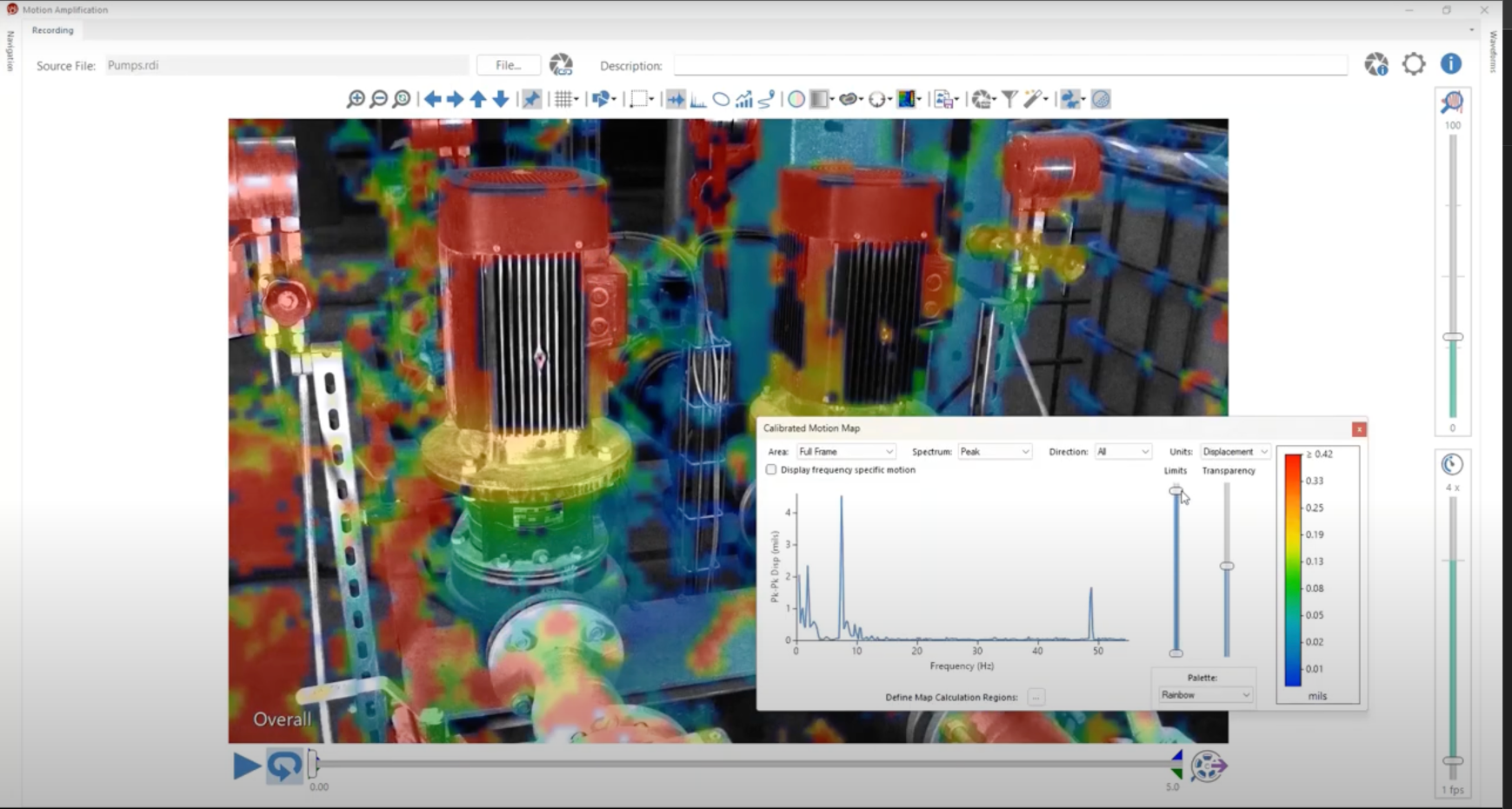
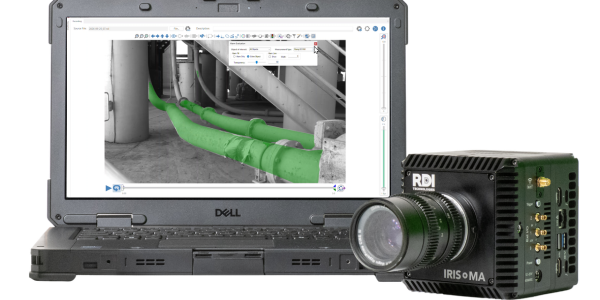
- A powerful new way to visualize and measure vibration across entire objects in your videos.
- Faster Computation: Reduce map computation time by 25%.
- Less Storage: Cut storage needs by 98% compared to the regular Motion Map.
- Seamless Object Analysis: Works in tandem with objects to calculate spectral response over surfaces.
HDR Made Easy
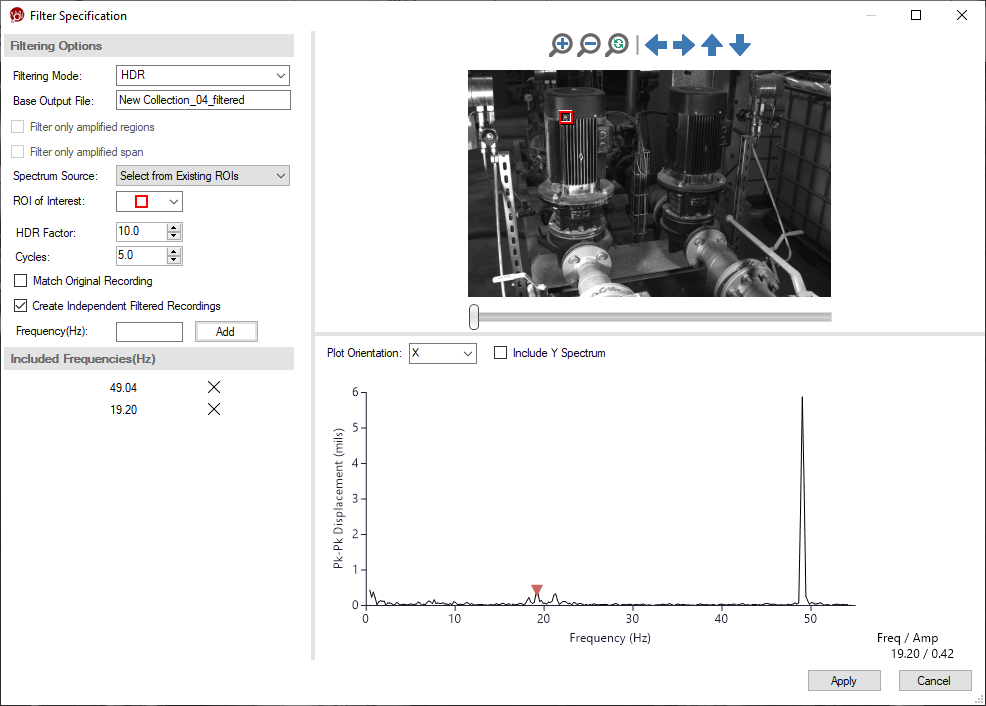
- Discover the power of HDR (High Density Recordings) filtering, automatically applied to frequencies of interest with our new filter button.
- Speeds workflow with frequencies prominently displayed in the recording hierarchy and in exported MP4 files.
- Rapid Analysis: Shave analysis time by 96%. Two steps to run Motion Map on top frequencies compared to 59 steps in previous workflow.
ROI Creation and Analysis
- Accelerate your workflow by quickly creating ROIs with just a single click.
- Auto-Refresh ROI feature continuously updates waveform data, so you can focus on data not workflows and no detail is overlooked.
Benefits of the new 3.9 Feature Set
The updates in the 3.9 software translate to tangible benefits for users across various industries and applications. Users can accelerate their workflows and focus on data analysis rather than tedious processes. The precise results and accurate control over amplification range, export range, and trim settings ensure users extract maximum value from their motion data.
Enhanced Analysis Capabilities
The introduction of the Calibrated Motion Map (CMM) and HDR filtering empowers users to conduct deeper analysis of motion data and gain more accurate insights. The CMM feature calculates spectral response over surfaces, providing a comprehensive understanding of vibration patterns across entire objects. Meanwhile, HDR filtering automatically highlights frequencies of interest, enabling rapid analysis and identification of critical motion characteristics.
Streamlined Workflows & Enhanced Usability
Motion Amplification 3.9 prioritizes workflow efficiency, incorporating features that save time and reduce manual effort. The single-click ROI creation, batch stabilization, and Auto-Refresh ROI capabilities streamline processes, allowing users to focus on data interpretation and decision-making. Additionally, the reduced analysis time and prominent frequency display in HDR filtering further optimize workflows.
Other Capabilities
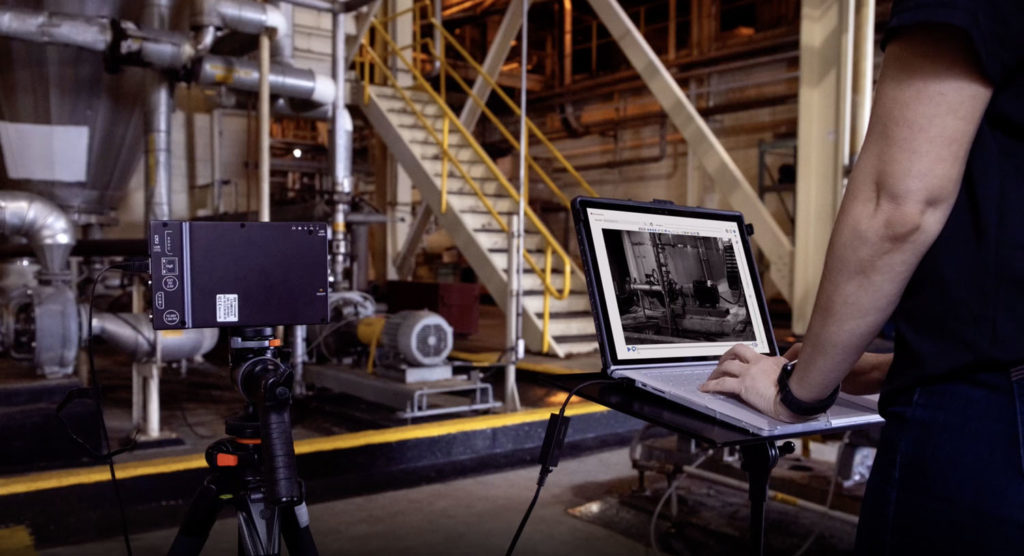
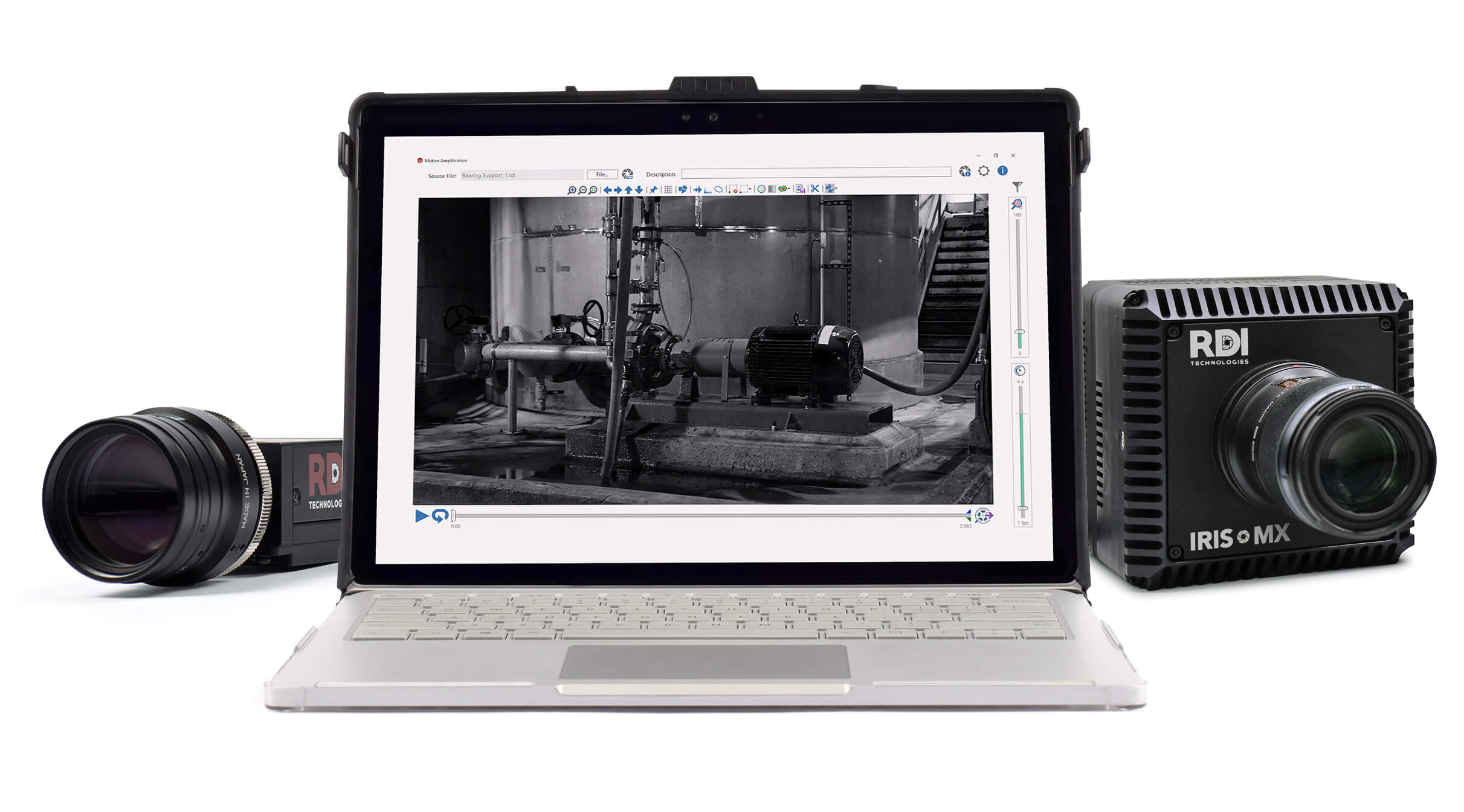
The software now integrates with the new portable Iris MX™ camera, enabling video captures and direct recording to the camera’s SSD while on the move. This facilitates instantaneous savings and seamless transition between locations, with the option to download all recordings upon completion.
The portable setup includes a wireless (or wired) tablet connecting to the camera via Fasmotion software, allowing direct access to the camera hardware. A top handle enables easy maneuverability, while a battery pack ensures extended run times, with hot-swappable options available for demanding jobs.
Click here to learn more about version 3.9 features and benefits. Or click below to schedule a demo.