Motion Amplification® Software 5.2

Motion Amplification® Software 5.2

What’s New in Version 5.2

Released November 2026

Motion Amplification® Software 5.2 brings a purpose-built piping workflow to Iris aiONE™, based on Energy Institute guidance. On both Iris aiONE™ and Iris M™, 5.2 measures every point of a receding asset at its true distance, keeps named distance markers with the recording, carries measured regions into every GIF and report, and runs 50% faster than v5.1.*

From piping capture to confident action, with evidence that holds up when you share it.

*Compared with v5.1 in RDI internal testing. Actual results vary with recording size, hardware, and workflow.

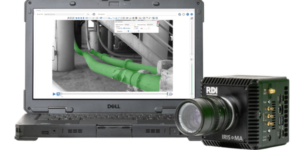
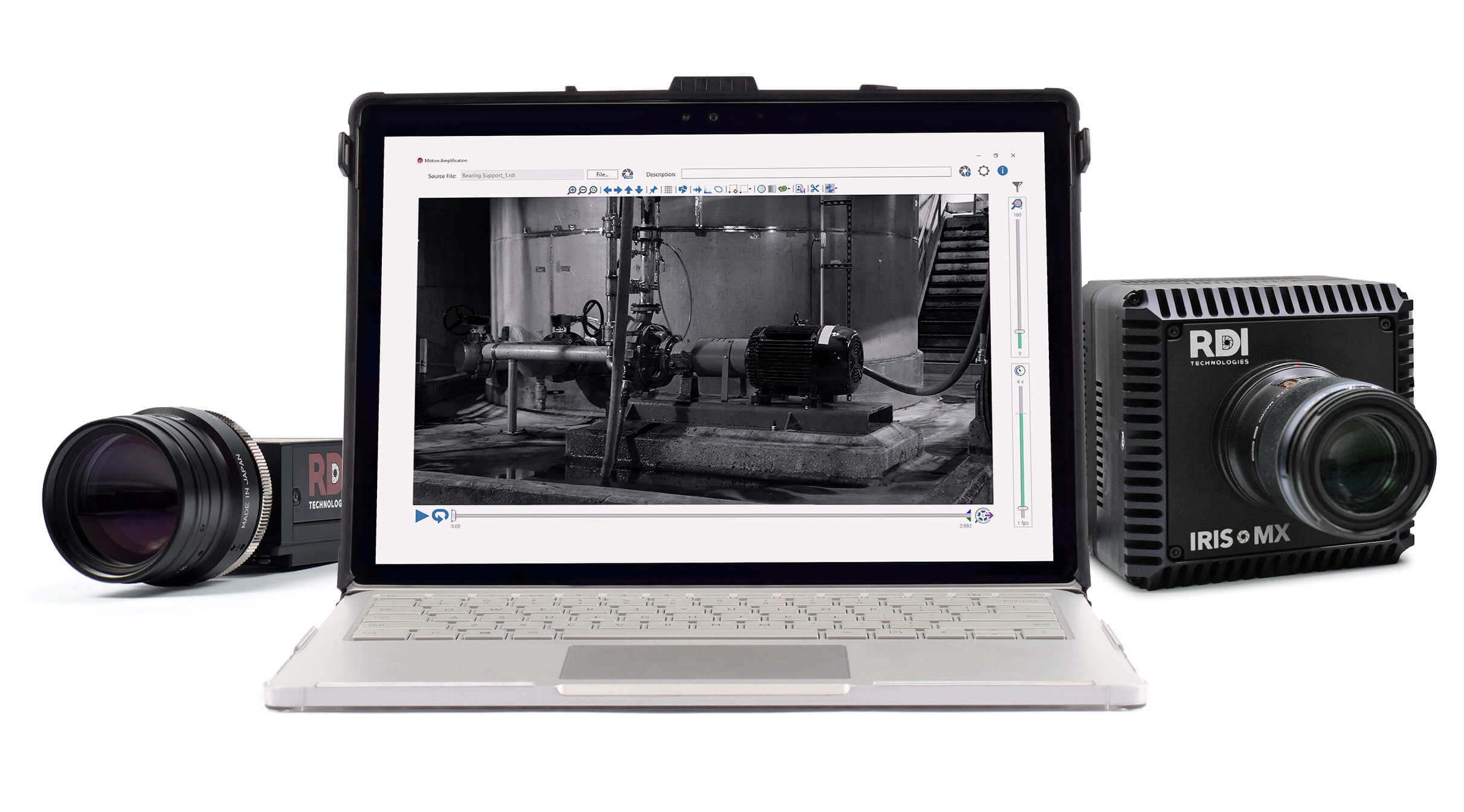
Iris MA camera beside a laptop displaying piping analysis in RDI Technologies software

First Look at 5.2: From Piping Capture to Confident Action

5.2 Webinar

Join RDI Technologies CEO Sean Hollands for a walkthrough of everything in Motion Amplification® 5.2, followed by a live demo that takes one piping concern from capture to the report that goes to maintenance

Watch Now

Features and Benefits

Your vibration data tells you something is wrong. Motion Amplification® shows what is actually moving. Version 5.2 gets your team from that alarm to an answer faster.

Purpose-Built Piping Workflow (Iris aiONE™)

A dedicated piping acquisition mode, based on Energy Institute guidance, organizes capture around piping and carries each recording straight into the piping workflow. Piping alarm visualization then shows measured movement against guidance-based evaluation thresholds, with the maximum-amplitude location in view, so maintenance and operations can agree where to inspect next. Alarm states show where to look; the analyst still makes the call.

Piping Alarm Visualization (Iris aiONE™)

Review measured movement against guidance-based evaluation thresholds, with the plotted response and maximum-amplitude location in view. Alarm states show where to look first, so maintenance and operations can agree where to inspect next. The analyst still makes the call, using the amplified video and frequency data from the same recording.

Distance-Aware Measurement and Named Markers

Linear depth calculation uses two distance references to calibrate each location at its own calculated distance, so a pipe run that recedes from the camera is no longer treated as one constant distance. Off-center measurement correction accounts for where the asset sits in the frame. Named, editable distance markers stay with the recording through trim, rotate, crop, stabilize, filter, and Motion Explorer™ operations, so colleagues can see exactly how each measurement was calibrated. Available on Iris aiONE™ and Iris M™.

Modal Windowing Optimization

On impact projects, choose None, Low, or High to trim unused waveform at the start, pre-trigger portion, and end of a recording. Analysis focuses on the useful event span, so lower-amplitude modes stand out, and nothing recalculates when nothing changed. Available on Iris aiONE™ and Iris M™.

What Version 5.2 Adds to Iris aiONE™ and Iris M™

Iris aiONE™ gets every 5.2 feature. Iris M™ gets every feature except the piping workflow. Iris M™ owners who want the piping workflow can ask about the Iris M™ to Iris aiONE™ trade-in offer.

5.2 feature Iris aiONE™ Iris M™
Software 50% faster* ✓ ✓
Purpose-built piping acquisition, based on Energy Institute guidance ✓ —
Piping alarm visualization ✓ —
Linear depth calculation across changing distances ✓ ✓
Off-center measurement correction ✓ ✓
Named, editable multi-distance markers ✓ ✓
Distance markers retained through editing and Motion Explorer™ ✓ ✓
Modal windowing optimization ✓ ✓
Measured regions retained in GIFs and reports ✓ ✓
Intelligent object selection and display controls ✓ ✓
Lower noise floor and faster Motion Maps ✓ ✓
Improved memory handling ✓ ✓
Improved temperature behavior ✓ —

*Compared with v5.1 in RDI internal testing. Actual results vary with recording size, hardware, and workflow.

Iris aiONE™ and Iris M™ Customers

Download 5.2 from the software updates page. Check that your Software Upgrade and Support is current first.

Iris M™ Owners

Want the piping workflow? Ask your RDI representative about the Iris M™ to Iris aiONE™ trade-in offer.

New to Motion Amplification®?

Bring us the piping concern your vibration data hasn’t explained, and we’ll show you what’s moving. Request a 5.2 demo.

Motion Amplification® 5.2 FAQ

What is new in Motion Amplification® 5.2?

Motion Amplification® 5.2 adds a purpose-built piping acquisition mode and piping alarm visualization for Iris aiONE™, distance-aware measurement tools (linear depth calculation and off-center measurement correction), named multi-distance markers that stay with the recording, modal windowing optimization, regions of interest retained in GIFs and reports, and software that runs 50% faster than v5.1 in RDI internal testing.

Which cameras get the 5.2 update?

Iris aiONE™ receives every 5.2 feature. Iris M™ receives every 5.2 feature except the piping workflow: purpose-built piping acquisition and piping alarm visualization are specific to Iris aiONE™.

Does the piping workflow run on Iris M™?

No. Purpose-built piping acquisition and piping alarm visualization run on Iris aiONE™ only. Iris M™ owners who want the piping workflow can ask their RDI representative about the Iris M™ to Iris aiONE™ trade-in offer.

Is the 5.2 piping workflow certified to Energy Institute standards?

No certification is claimed. The piping acquisition mode and alarm evaluation are based on Energy Institute guidance. Alarm states show where to look; decisions about structural integrity, fitness for service, or continued operation stay with qualified engineering personnel.

How much faster is Motion Amplification® 5.2?

The software is 50% faster compared with v5.1 in RDI internal testing. Actual results vary with recording size, hardware, and workflow.

How does 5.2 measure a pipe run that recedes from the camera?

Linear depth calculation uses two distance references to define a depth surface across the object, so each location is calibrated at its own calculated distance instead of one constant distance for the whole object. Off-center measurement correction also accounts for where the object sits in the frame.

How do I get Motion Amplification® 5.2?

Customers with current Software Upgrade and Support can download 5.2 from the RDI Technologies software updates page. For license questions, contact your RDI representative or email [email protected].

Previous Version: 5.1

Released July 2026

Software Update 5.1 brought IRIS MA™ natively into Modal Amplified™ with Thunderbolt-speed sample downloads, fully integrated modal projects into Motion Explorer™, and introduced a single-step location array tool, fixed-size ROIs, improved MP4 cropping, and HTML reports that embed images directly. Read the full 5.1 release notes.

GET IN TOUCH

GET IN TOUCH.

Want to learn more? For more information or a quote on our products or services, please contact us.

GET IN Touch